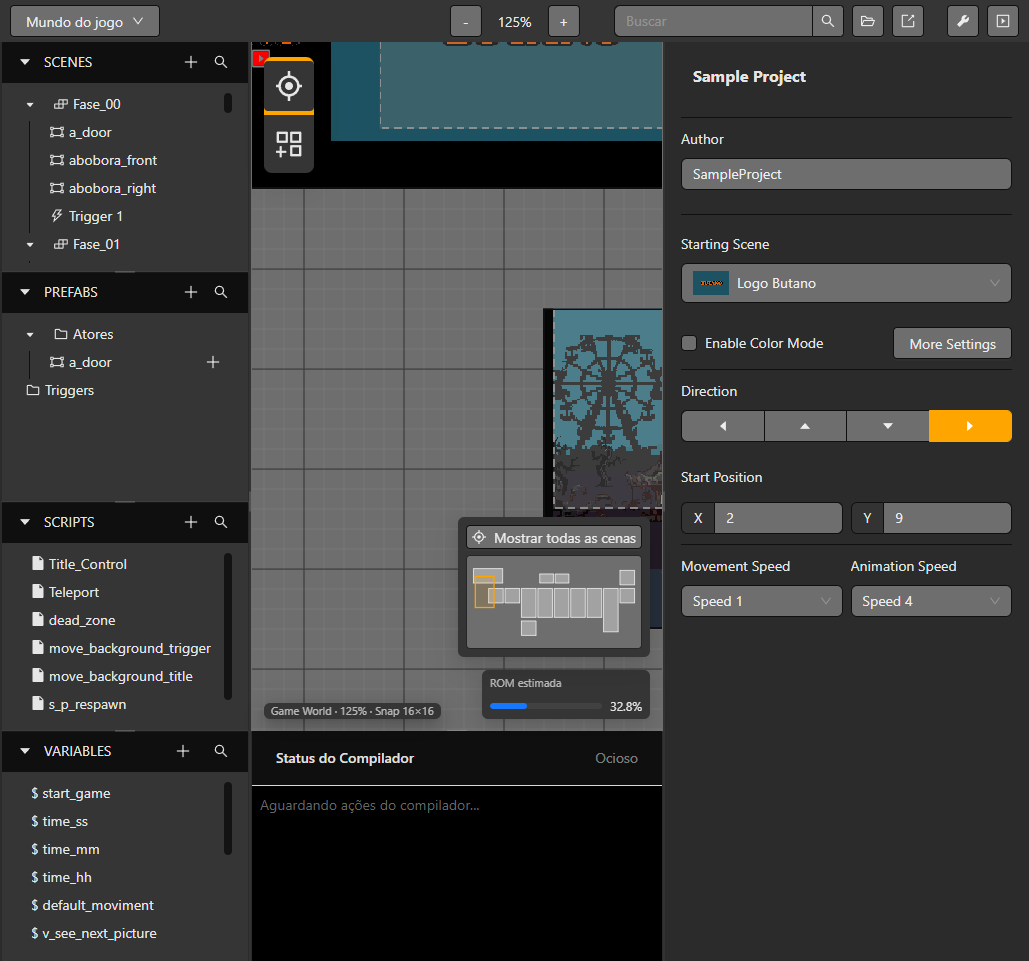
Build scenes in Game World
Arrange scenes, actors and triggers on a visual canvas, with navigation and resource estimates close at hand.
Explore this editorA quick and easy to use drag and drop retro game creator for your favourite handheld video game system.
Available on Windows.
Arrange scenes, actors and triggers on a visual canvas, with navigation and resource estimates close at hand.
Explore this editor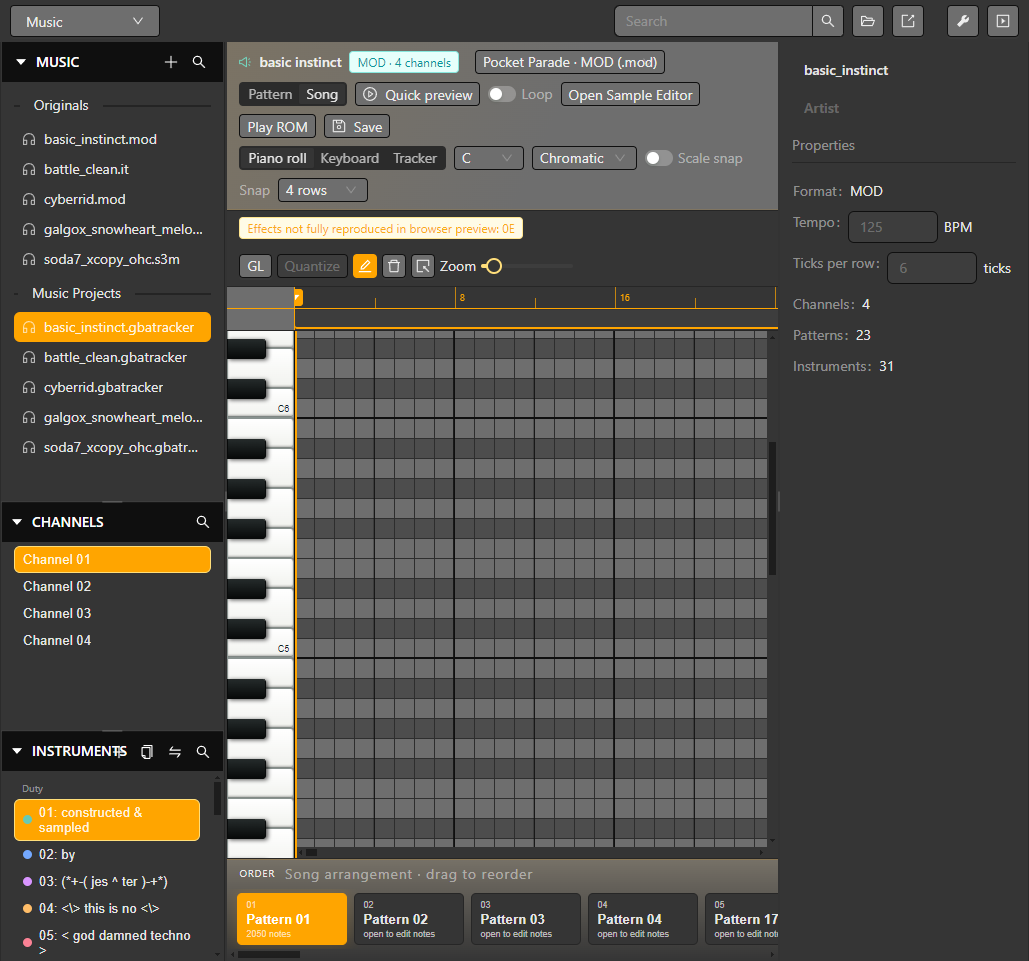
Inspect tracker modules and shape patterns with a piano roll, channel controls and song arrangement.
Explore this editor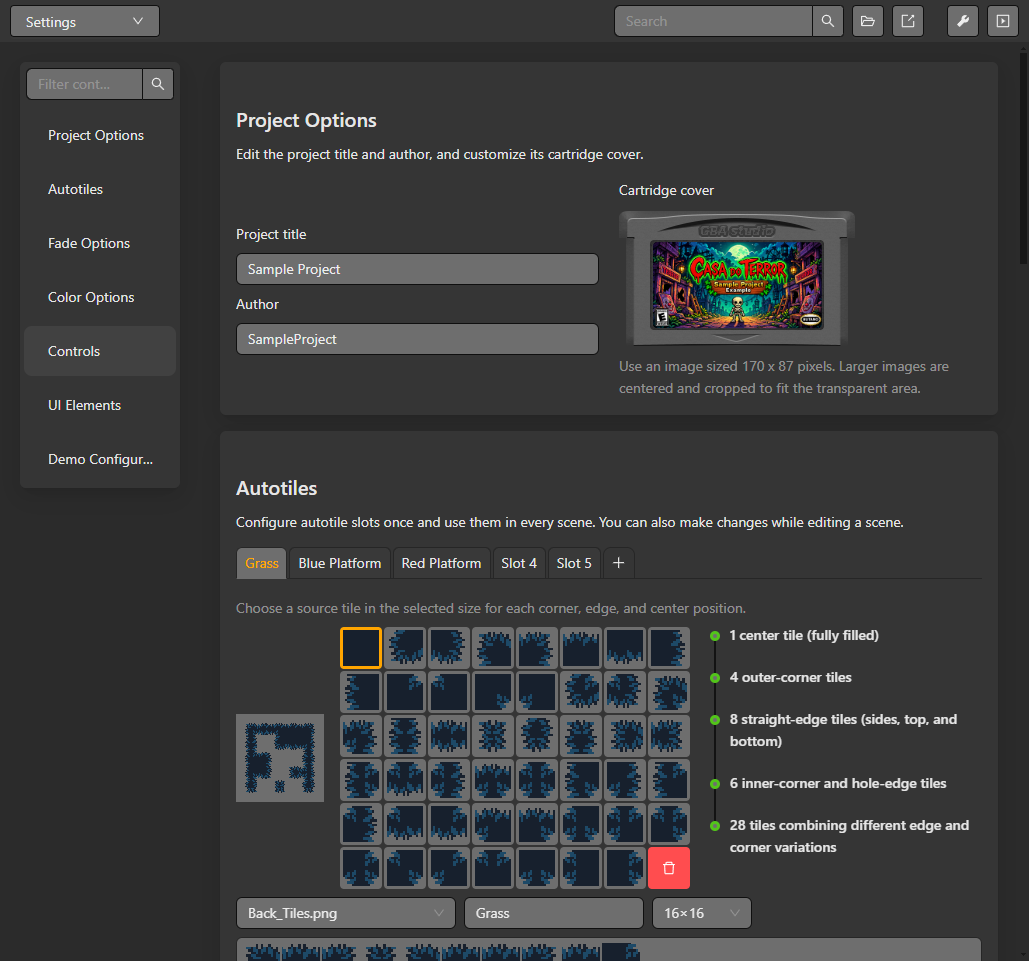
Set up reusable terrain tiles once, then paint connected edges and corners in your scenes.
Explore this editorGBA Studio was designed from the ground up to be simple to install and get your games up and running quickly, without hassle.
With GBA Studio you can focus on the creative side — developing your ideas and building your worlds. Let the environment handle repetitive tasks and organization.
GBA Studio was designed from the ground up to be simple to install and get your games up and running quickly, without hassle.